Skip to content
PrintO

Live demo

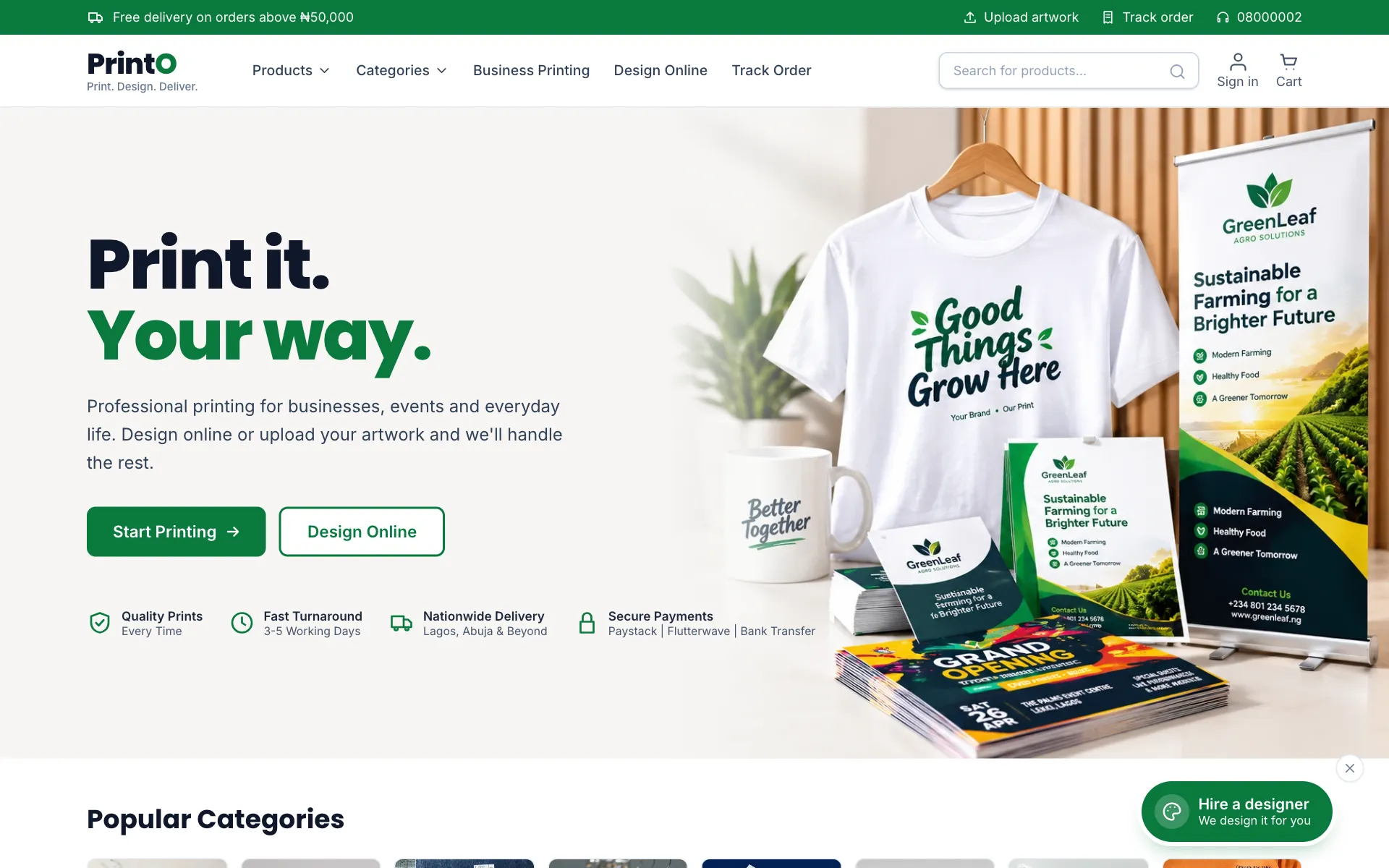
Click around a real PrintO store

Order as a customer, then sign in to the admin and watch the order arrive. No sign-up needed. The demo resets every night, so nothing you do there is kept.

Customer storefront

See what your customers see.

Try this in 5 minutes

  1. 1Open a product such as Business Cards and pick paper, finish and quantity: the price updates as you go.
  2. 2Click “Design online” and edit a template in the design studio, then use it for your order.
  3. 3Or upload your own artwork: try a small image to see the automatic print checks.
  4. 4Check out with “Bank transfer” and upload any picture as the receipt.
  5. 5Track the order with its number and phone from “Track order”.
Open the store

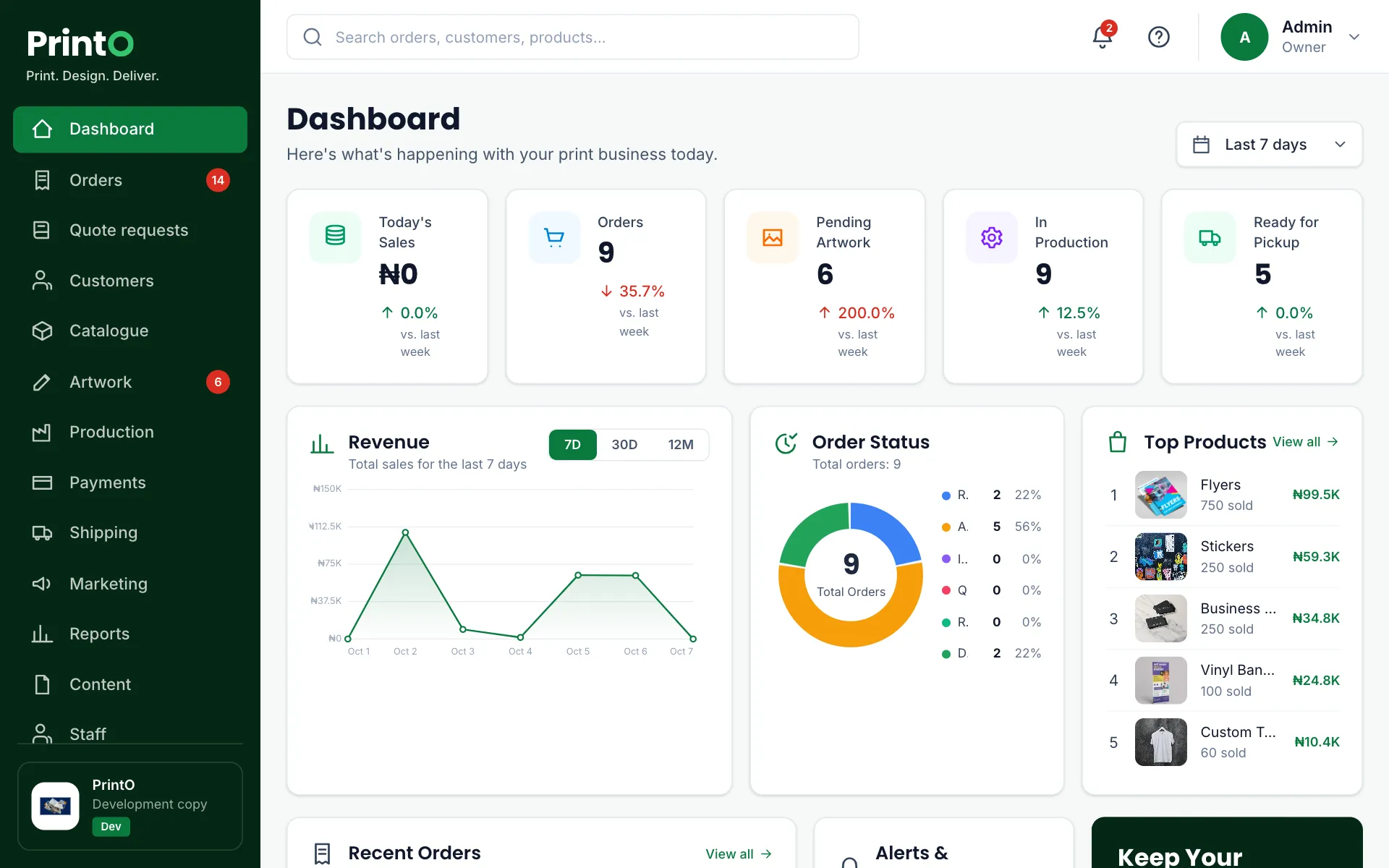
Admin dashboard

See how your team runs orders.

Email
demo@printo.ng
Password
demo1234

Try this in 5 minutes

  1. 1Sign in with the demo login below and look at today’s dashboard.
  2. 2Open Payments and confirm the transfer you just made.
  3. 3Go to Artwork, approve the file and watch the order move on.
  4. 4Drag the job across the Production board and print its job ticket.
  5. 5Change a price in Catalogue → Options & pricing, then refresh the store.
Open the admin

Guided demo

Prefer a walkthrough?

Book a free 30-minute call. We will show you PrintO with products like yours, answer questions about hosting and payments, and help you pick a plan.

  • Set up around your own products and prices
  • Questions about hosting, payments and staff answered
  • No obligation to buy

We reply within one working day.

We only use the cookies this site needs to keep you signed in and your forms safe. No advertising or tracking cookies. See the cookies we use